Homepage call to action should address a specific problem. Several equally prominent buttons leave visitors unsure which action matters. A useful brief identifies the decision to make and the evidence needed to assess it.

Plan homepage call to action around the task
Choose one main next step and give secondary routes an appropriate visual weight. For business and ecommerce teams, the brief should explain what will be different for the person using or maintaining the website.
A realistic planning example
A service homepage prioritizes a project enquiry while keeping portfolio browsing available as supporting evidence. Treat this as an illustrative scenario. The right response still depends on the audience, constraints and evidence available for your own project.
A practical review sequence
- Choose the main action. Agree who owns this check and what evidence is needed before the work can be considered ready.
- Clarify button wording. Use realistic material instead of an idealized placeholder, then note anything that becomes unclear.
- Keep supporting routes visible. Check both the ordinary case and a less convenient variation so the rule is useful beyond the presentation.
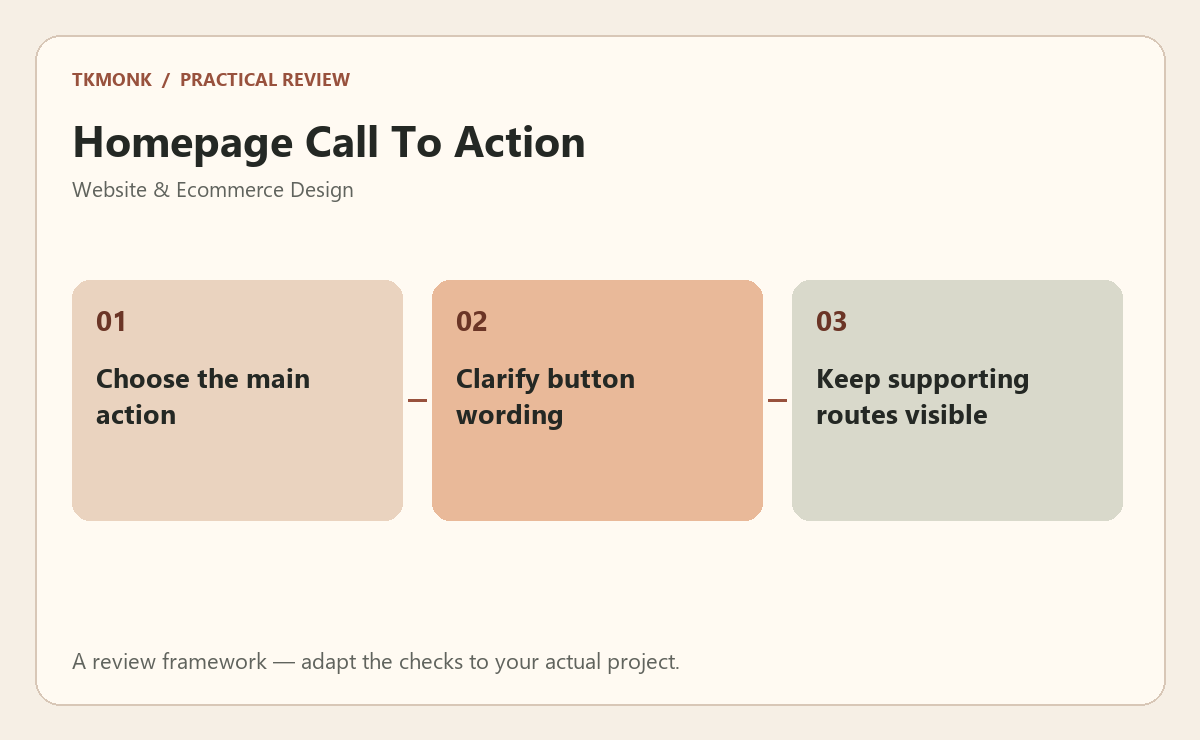
Check homepage call to action before approval
Use an annotated page with realistic content to make the decision visible. Review the page on a phone as well as a desktop. Use real product names, longer headings and representative customer information. Ask a reviewer to explain what the business offers and what they would do next. Record the answer rather than assuming the intended hierarchy is obvious.
A common mistake to avoid
Do not replace missing information with decorative badges or broad promises. The visitor needs an understandable offer, relevant evidence and a working next step. Visual polish should make those elements easier to evaluate, not push them farther down the page.
Your next step
For homepage call to action, keep the review tied to the original problem. Use the website design brief guide to prepare the wider brief, or explore responsive website design if you need help defining the work.
Further reading: Image guidance and Structure tutorial. These resources provide broader background; adapt the practical review to your specific situation.