Progressive enhancement design should address a specific problem. Essential content depends on a visual script that may load late or fail. A useful brief identifies the decision to make and the evidence needed to assess it.

Plan progressive enhancement design around the task
Start with useful content and add optional interactions without blocking core tasks. For website owners and delivery teams, the brief should explain what will be different for the person using or maintaining the implementation.
A realistic planning example
A service description and contact route remain accessible when an animation library is unavailable. Treat this as an illustrative scenario. The right response still depends on the audience, constraints and evidence available for your own project.
A practical review sequence
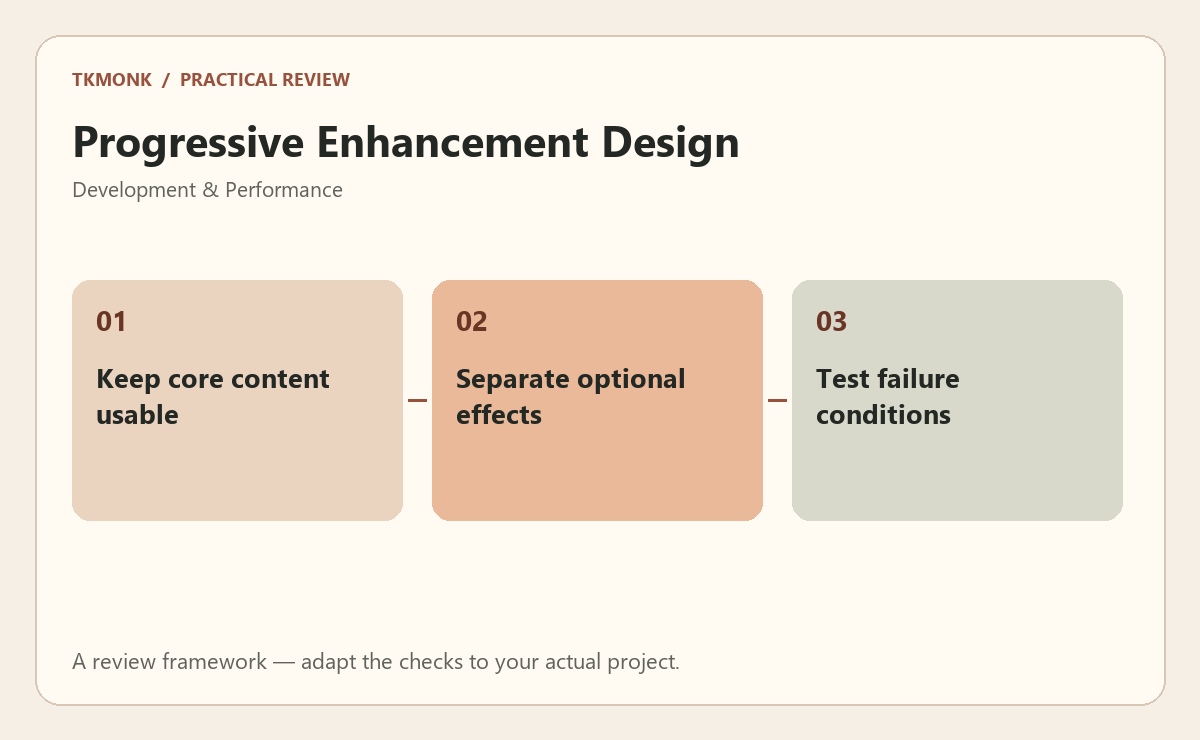
- Keep core content usable. Keep the decision and its reason together. This makes later changes easier to assess rather than repeating the original debate.
- Separate optional effects. Confirm the relevant constraint with the person responsible for delivery instead of assuming that the mockup proves it.
- Test failure conditions. Review this in context with the surrounding information. An isolated component may behave differently in the complete journey.
Check progressive enhancement design before approval
Use a reproducible test with recorded inputs to make the decision visible. Verify the behavior in an appropriate test environment before changing the live site. Include an ordinary successful journey and at least one failure condition. Record the environment and what was observed so another team member can repeat the check. A local result does not automatically establish production behavior.
A common mistake to avoid
Avoid treating one tool score or a successful screenshot as complete verification. Delivery depends on hosting, configuration, content and interactions working together. Investigate the specific problem before adding a new dependency or making a change that affects unrelated parts of the site.
Your next step
For progressive enhancement design, keep the review tied to the original problem. Use the website maintenance guide to prepare the wider brief, or explore web development services if you need help defining the work.
Further reading: WordPress security and WordPress updates. These resources provide broader background; adapt the practical review to your specific situation.