Multi step form UX should address a specific problem. A long form gives no indication of the work remaining or what information is needed. A useful brief identifies the decision to make and the evidence needed to assess it.

Plan multi step form UX around the task
Group meaningful steps and preserve data when users move backward. For product teams, the brief should explain what will be different for the person using or maintaining the interface.
A realistic planning example
A project enquiry separates business goals from technical requirements and allows review before submission. Treat this as an illustrative scenario. The right response still depends on the audience, constraints and evidence available for your own project.
A practical review sequence
- Group related questions. Confirm the relevant constraint with the person responsible for delivery instead of assuming that the mockup proves it.
- Preserve previous answers. Review this in context with the surrounding information. An isolated component may behave differently in the complete journey.
- Explain remaining steps. Retain a brief record of the approved choice and any remaining limitation so handoff does not turn uncertainty into a promise.
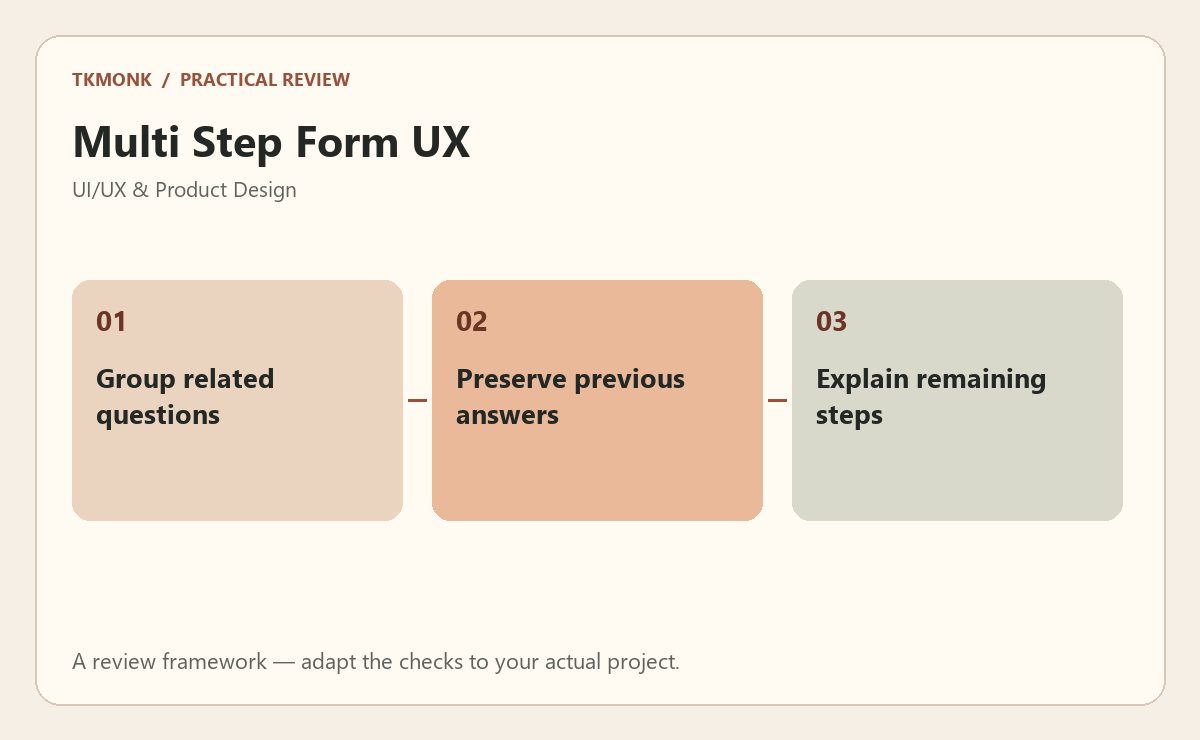
Check multi step form UX before approval
Use a small prototype or annotated flow to make the decision visible. Ask someone familiar with the task to attempt it without coaching. Observe what they understand, where they hesitate and whether they recover after a mistake. Test relevant keyboard and narrow-screen behavior as part of that journey. A screen that looks convincing in a presentation still needs to make sense in use.
A common mistake to avoid
Avoid solving the issue through visual emphasis alone. A brighter button cannot repair an unclear permission boundary, missing recovery route or unsupported assumption. Record the intended behavior so design and implementation do not quietly diverge.
Your next step
For multi step form UX, keep the review tied to the original problem. Use design systems for small teams to prepare the wider brief, or explore interface and portal development if you need help defining the work.
Further reading: Combobox pattern and Forms tutorial. These resources provide broader background; adapt the practical review to your specific situation.